Back-to-School Orders Are the Second Biggest Rush of the Year: Is Your Shop Ready?

A production-management guide for decorated apparel shops navigating August 2026

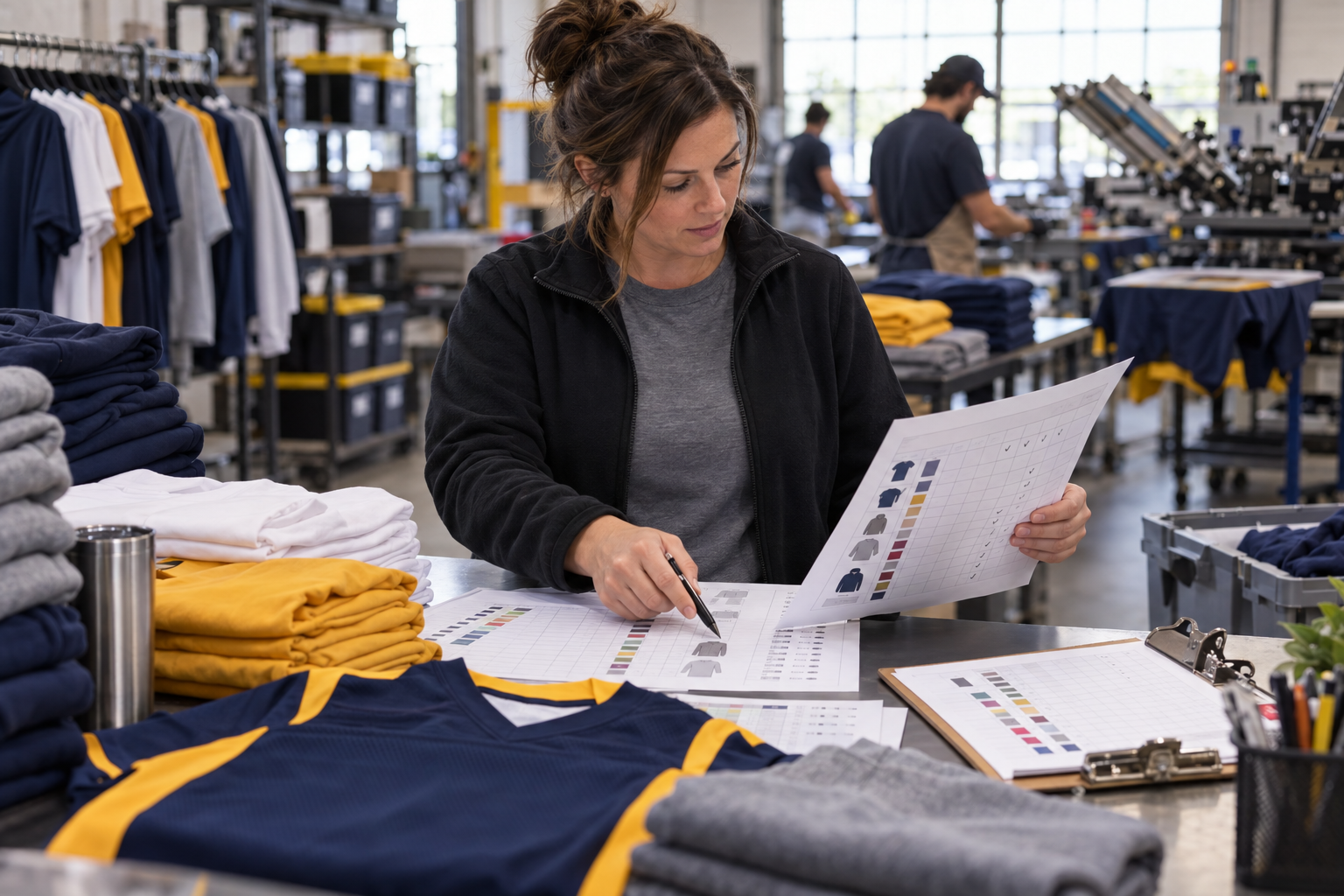
Back-to-school orders don’t always look like the largest jobs on the production board. One school may need 60 spirit shirts split across youth and adult sizes. A fall team may need names, numbers, and multiple garment colors. A student organization may add hoodies after its original T-shirt order is already approved. The piece count can be modest while the number of decisions, SKUs, and possible mistakes keeps climbing.

That combination is what makes August such a demanding production month. Peak demand now arrives as a larger mix of shorter, more customized jobs. The old assumption that busy season mainly means long, predictable runs no longer fits.

For shop leaders, the question isn’t simply whether the presses can handle the volume, it’s whether sales, art, purchasing, scheduling, production, and fulfillment can stay aligned when every job carries a different size breakdown, approval status, decoration method, and fixed in-hand date.

Why is back-to-school season particularly challenging for decorated apparel shops?

Back-to-school season is difficult because seasonal demand lands inside a compressed, date-driven calendar while jobs are becoming more varied and less standardized. Four operating realities matter most:

  • Back-to-school is one of the two busiest production windows of the year for decorated apparel shops, alongside the Q4 holiday and trade-show rush.
  • Standard screen-printing production times in 2026 commonly run 7 to 10 business days after art approval, leaving little margin for scheduling errors during August’s compressed timeline.
  • A 2026 industry trend shows orders getting shorter and more customized rather than simply higher in volume, meaning shops handle more SKU complexity per job during back-to-school season.
  • Size matrix tools built into production management software such as ShopWorks OnSite can reduce manual data-entry errors on multi-size apparel orders common in school and team accounts.

What Makes Back-to-School Orders Different from Summer Volume

A general summer rush is largely a capacity problem: more jobs, more garments, and more pressure on available labor and equipment. Back-to-school work adds a second layer. The shop must manage variety at speed.

Short runs can still create long order details

A 48-piece order may include five adult sizes, three youth sizes, two garment colors, and a handful of personalized pieces. The production quantity is short, but the order structure is not. Every extra variation creates another point where sales information can be entered incorrectly, a garment can be ordered in the wrong size, or the production team can work from an outdated note.

Size matrices are operational data, not clerical detail

For school and team accounts, the size breakdown controls purchasing, picking, decoration, quality checks, packaging, and delivery. When sizes are scattered across separate spreadsheet rows, emails, or handwritten changes, employees must repeatedly interpret the order. A clean size matrix gives the shop one structured view of quantities across sizes and helps make the job easier to check at each handoff.

The event date doesn’t move with the schedule

The first game, orientation, club fair, fundraiser, or spirit day is fixed. A job that loses two days waiting on a proof does not gain those days back later. That’s why the customer due date, internal completion target, art-approval deadline, and production start should be treated as separate milestones rather than one date typed into a calendar.

Late additions are part of the pattern

School accounts routinely surface new information after the initial order: a coach adds a player, a club gains members, or an administrator changes a garment color. Shops need a defined rule for changes after approval. Otherwise, one small addition can quietly trigger a new purchase, a revised proof, a production interruption, and a packing exception.

The 7-to-10-Day Window Starts After Approval

Published screen-printing turnaround guidance commonly cites a standard production window of about 7 to 10 business days. The important operational detail is when that clock begins. Providers typically tie production time to approved artwork or mockups, finalized order details, garment availability, and payment. In other words, a quote is not a production-ready job.

During decorated apparel shop August production, unapproved work shouldn’t occupy the schedule as if it’s ready. Production managers need to see which orders are approved, which garments have arrived, which jobs are waiting on customer action, and which due dates are at risk. Treating every open order as equally ready creates a schedule that looks full, but cannot actually run.

How Production Management Software Handles Short-Run Complexity

For back-to-school screen printing, order management software is most valuable when it turns all those moving details into structured, usable production information. The goal isn’t to add a dashboard for its own sake; it’s to help each department work from the same order without retyping or reinterpreting it.

Enter multi-size orders as a matrix

ShopWorks OnSite allows users to enter different sizes on a single line item and define whether the matrix is used for each order. That matters for a spirit-wear or team order because the user can see the entire size run together instead of creating a separate line for every size. Faster entry is helpful, but the larger benefit is consistency: a cleaner order is easier for purchasing, production, and final quality control to read.

Build schedules around actual shop capacity

OnSite can schedule jobs based on a shop’s setup and production types, with schedules available by department or machine. That gives production managers a more practical way to place short-run jobs alongside larger work. A 36-piece personalized team order may require less press time than a 500-piece run, but it may demand more art, sorting, and finishing attention. The schedule should reflect the whole route through the shop.

Connect art status with production readiness

OnSite is designed to manage designs and artwork as part of the production process, and it integrates with the ProofStuff add-on for online approvals. Keeping art status, order details, size matrices, and production notes connected reduces the chance that one department works from an older version. It also makes a late approval visible as a scheduling issue instead of a surprise discovered on the floor.

Make repeat orders easier to reproduce

School programs recur. Teams reorder, clubs return, and annual events come back with small changes. OnSite can store production details and recall them for future runs, giving the shop a more reliable starting point than searching email or rebuilding an old job from memory. That’s especially useful when the reorder is smaller, more urgent, or needed after the main season has begun.

An August Production Readiness Check

Before the back-to-school queue peaks, confirm that your workflow can answer these questions without a meeting or a hunt through email:

  • Is every order tied to an in-hand date, an internal completion date, and an approval cutoff?
  • Can sales enter youth and adult sizes, colors, styles, and personalized items in one structured order?
  • Can the production manager separate approved jobs from orders still waiting on art, garments, or payment?
  • Can schedules be viewed by department or machine so bottlenecks are visible before a deadline slips?
  • Does the shop have a clear rule for late additions and post-approval changes?
  • Can the team retrieve prior school or team production details without rebuilding the job?

If the answer to several of these questions depends on one employee’s memory, a shared spreadsheet, or a whiteboard that only the production floor can see, the problem isn’t effort—it’s workflow structure.

Is Your Shop Ready for the Second Rush?

Back-to-school production rewards shops that can absorb variation without losing control of the schedule. Short runs, complicated size matrices, personalized garments, and fixed event dates aren’t exceptions in August, they’re the work.

ShopWorks OnSite brings size matrix order entry, production details, artwork management, and scheduling into one connected system built for decorated apparel businesses. The best time to tighten August production is before the first late approval tests it. Request a personalized OnSite demo focused on size matrix management and production scheduling for short-run, multi-SKU school and team orders.
Your Summer Rush Is Here: How Decorated Apparel Shops Stay Profitable When Orders Peak

Summer can be one of the strongest revenue seasons for a decorated apparel shop. It can also be one of the easiest times to watch healthy sales turn into disappointing margins.

Camps need shirts before their first session. Sports leagues need uniforms before opening day. Corporate events, festivals, reunions, and community programs all follow fixed dates, so a full production calendar can’t push those deadlines back. When those orders arrive at the same time, profitability depends on more than how quickly the shop can enter them…it depends on how clearly each job moves from approval and preparation to production and completion.

A 2026 apparel decoration industry statistics compilation reports that labor represents approximately 30 to 40 percent of a decoration shop’s total expenses. The same report says 86 percent of decorated apparel businesses use some form of production management software. These figures suggest that software adoption is no longer the primary question. The more important question is whether a shop’s system can organize high-volume production without adding unnecessary touches, scheduling conflicts, or costly surprises.

Why Summer Is the Hardest Season to Stay Profitable

A full order pipeline looks encouraging, but revenue and profitability aren’t the same thing.

Peak-season margins can narrow when jobs take longer than expected, teams repeatedly rearrange schedules, or important details remain scattered across emails, spreadsheets, paper forms, and separate systems. A job may be profitable when quoted, yet become far less profitable after an extra setup, a missed approval, a garment shortage, or an avoidable rush shipment.

Industry analysis identifies labor, setup, downtime, and waste as some of the largest costs associated with screen printing. As order variety rises, setup and changeover costs can increase faster than production volume, particularly when jobs require different designs, decoration methods, garment types, and due dates.

Summer adds another challenge: several different types of demand converge within a relatively short window.

A camp order may include hundreds of shirts separated by session, age group, or color. A sports league may require multiple teams, sponsors, sizes, and personalization details. Corporate event apparel may involve strict brand standards and a hard delivery date. Reunion and festival orders may arrive later than expected but still carry immovable deadlines.

When those jobs compete for the same production windows, a manually maintained calendar may show that the shop is busy without showing whether the schedule is realistic.

That distinction matters. A calendar filled with jobs isn’t necessarily a calendar built around actual production requirements.

Peak-Season Production Pressure Points

Before the schedule becomes overloaded, decorated apparel shops should review these questions:

  • Are due dates, production steps, and job statuses visible in one place?
  • Are garment availability and artwork approval confirmed before production time is committed?
  • Are size matrices, decoration details, and production notes connected to the correct order?
  • Can schedules be organized by production type, department, or machine?
  • Can the shop see when multiple jobs are competing for the same production window?
  • Are changes reflected throughout the workflow without reentering information?
  • Can rush orders be evaluated against the current production calendar before they are accepted?
  • Can completed production steps be recorded so the next stage knows the job is ready?

Each unresolved pressure point creates another opportunity for lost time. During a slower month, a few disconnected steps may be manageable. During the summer rush, they can affect every job behind them.

Volume Exposes the Limits of Basic Software

The fact that most decorated apparel businesses already use some form of production software doesn’t mean every shop actually has the production visibility it needs.

A generic order tracker may record the customer, quantity, and due date. A spreadsheet may list jobs in priority order. A shared calendar may show which day a project is expected to run. Those tools can be useful, but they may not account for the specific steps required to produce decorated apparel.

Screen printing, embroidery, direct-to-garment printing, direct-to-film transfers, heat application, and other decoration methods don’t follow identical workflows. They require different setup times, production steps, equipment, design details, and completion requirements.

Current decorated apparel industry reporting emphasizes flexibility, production control, and real-time visibility as shops expand their mix of decoration methods and respond to faster, more varied demand.

The right screen printing shop software for peak season should therefore do more than store orders. It should also help the shop understand how those orders fit into the production calendar.

This is where purpose-built production management becomes valuable. Instead of treating every order as a general task, the system can organize jobs according to the way the shop actually produces them.

What Organized Production Management Looks Like at Volume

Organized production management begins with a connected job record.

Order quantities, garment sizes, approved designs, decoration locations, production variables, due dates, and special instructions should remain connected as the job advances. That reduces the possibility that production is working from an outdated email, an incomplete spreadsheet row, or a paper form that does not reflect the latest revision.

From there, the production calendar should provide a realistic view of what the shop has committed to complete.

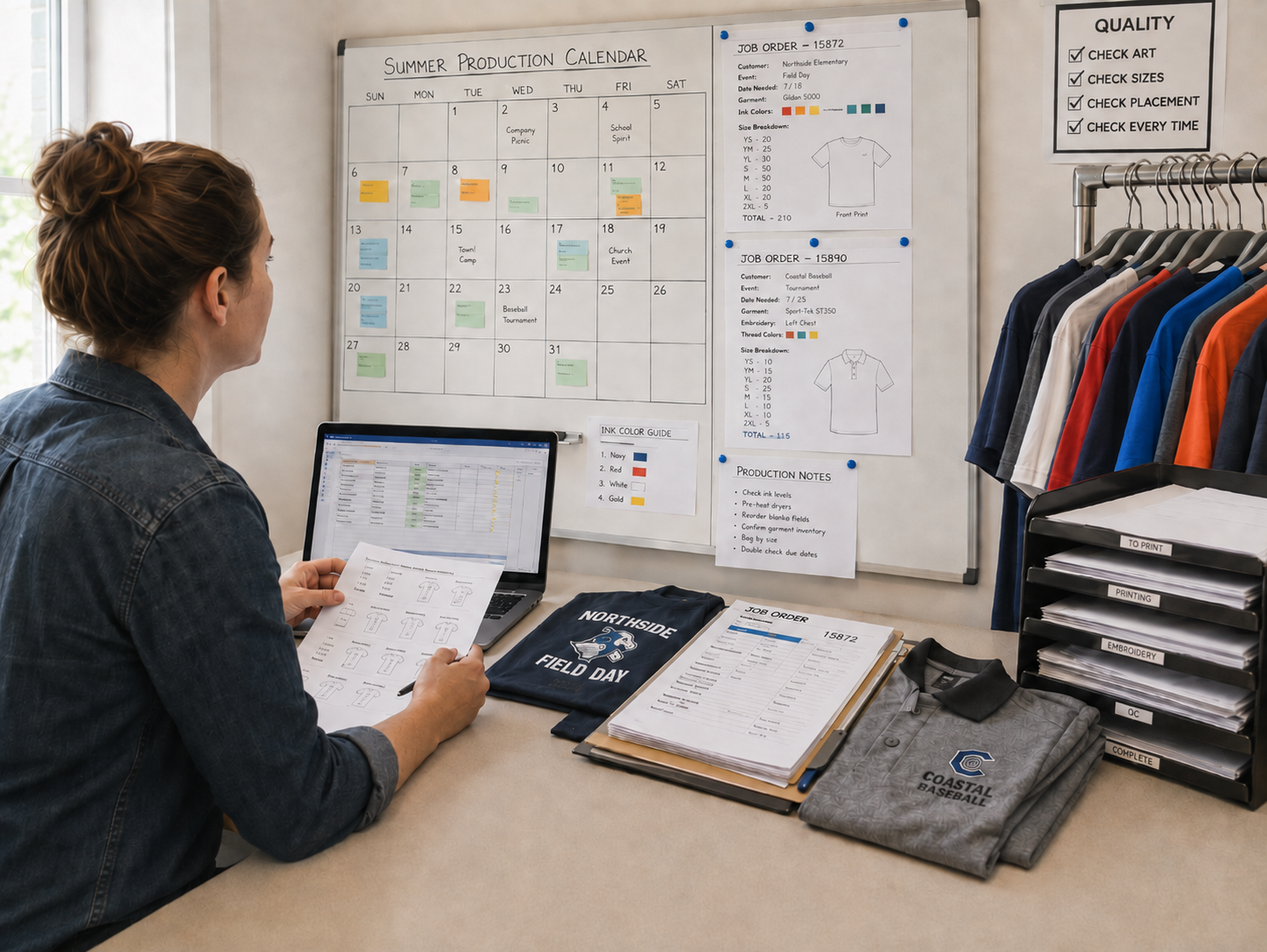
ShopWorks OnSite was developed specifically for decorated apparel businesses and includes industry-specific tools such as size matrices, design and production variables, production events, and production scheduling. Its Production Calendar allows shops to enter orders and due dates, then dynamically schedule jobs according to the shop’s setup and production types.

That matters during peak season because the schedule is not static.

A large sports order may require additional production time. A garment shipment may arrive later than expected. An artwork revision may prevent one job from moving forward while another is ready to run. A new rush request may need to be evaluated without automatically displacing work that has already been promised.

A production calendar built around the shop’s actual workflow makes those decisions more visible. The shop can see where jobs belong, what needs attention, and where production conflicts are developing before a deadline is missed.

Effective decorated apparel shop production management during summer should provide several practical outcomes:

A More Realistic Production Schedule

Jobs should be scheduled according to their production requirements, not simply the date they were entered. Production type, shop configuration, and due date all affect where a job can realistically fit.

Fewer Disconnected Details

Size breakdowns, design variables, production notes, and deadlines should remain attached to the order. This limits repeated data entry and reduces the risk of production using incomplete information.

Clearer Priorities

A centralized calendar makes it easier to distinguish between a job that is urgent, a job that is ready, and a job that is waiting on a prerequisite. Without that distinction, shops may spend valuable production time chasing information instead of moving prepared jobs forward.

Better Protection for Job Margins

When labor is one of a shop’s largest expenses, unnecessary production touches directly affect profitability. Clearer scheduling and workflow visibility help reduce avoidable setup changes, downtime, corrections, and last-minute shipping expenses.

More Confident Customer Commitments

A visible production schedule helps the shop evaluate new deadlines against work that is already planned. That supports more accurate delivery commitments and reduces the need to rely on guesswork when a customer asks, “Can you have this ready by Friday?”

How do decorated apparel shops manage profitability during peak summer season?

Decorated apparel shops protect peak-season profitability by connecting order details, approvals, production requirements, and due dates within a centralized production calendar. This visibility helps the shop schedule jobs according to actual production needs, identify conflicts earlier, reduce unnecessary setup or rework, and evaluate rush requests before making delivery commitments.

The objective is not simply to process more orders. It is to move the right jobs through the right production steps with as little friction as possible.

Busy Should Also Mean Profitable

Summer demand gives decorated apparel shops an opportunity to build revenue, strengthen customer relationships, and earn repeat business from organizations with recurring seasonal needs.

However, volume alone doesn’t protect the bottom line.

Profitability depends on whether the shop can see what is scheduled, what is ready, what is delayed, and what each order requires before it reaches production. When that information is scattered, higher volume magnifies every weak point. When it is connected, the shop can make better use of available production time and respond to changes with greater confidence.

ShopWorks OnSite helps decorated apparel businesses organize orders and production around the way their shops actually operate. Its Production Calendar dynamically schedules jobs based on shop setup and production type, giving businesses a clearer way to manage peak-season deadlines.

Request an OnSite demo to see how the Production Calendar can support peak-season scheduling and help your shop turn a busy summer into a more profitable one.

FAQ Section

Why do decorated apparel shops lose margin during peak season?

Margins can decline when high order volume leads to repeated schedule changes, unnecessary setups, missing production details, rework, downtime, or expedited shipping. Centralized production visibility helps shops identify these issues earlier.

What should screen printing shop software provide during peak season?

Screen printing shop software should connect job specifications, garment sizes, artwork information, production requirements, deadlines, and job statuses. It should also provide a production calendar based on the shop’s actual processes rather than functioning as a basic order list.

How does the ShopWorks OnSite Production Calendar schedule jobs?

OnSite allows shops to enter orders and due dates and dynamically schedules jobs based on the shop’s setup and production types.