How OnSite Keeps Print Shops Organized at Peak Season

June isn’t a random time to talk about peak season for screen printers and embroiderers. For decorated apparel shops, summer creates a very real surge in order activity. Camps need shirts and sports leagues need uniforms. Festivals need merch and family reunions need matching apparel. Local businesses (big and small) need branded polos, hats, and event gear. Good thing summer days are longer. 

That mix can be great for revenue, but it can also stretch a shop’s order and production workflow, fast. The challenge isn’t just getting more orders in the door. The challenge is keeping every job organized from quote to approval to production to delivery without details getting lost along the way.

That’s where OnSite from ShopWorks fits the way decorated apparel shops actually operate. OnSite is order management software for screen printers, embroiderers, digital decorators, and promotional product businesses that helps shops keep job details, production requirements, pricing variables, size breakdowns, artwork, and scheduling information connected in one workflow.

During peak season, that kind of organization can make the difference between a busy shop that stays in control and a busy shop that feels like it’s constantly putting out the next fire.

Peak Season Creates More Than Just More Orders

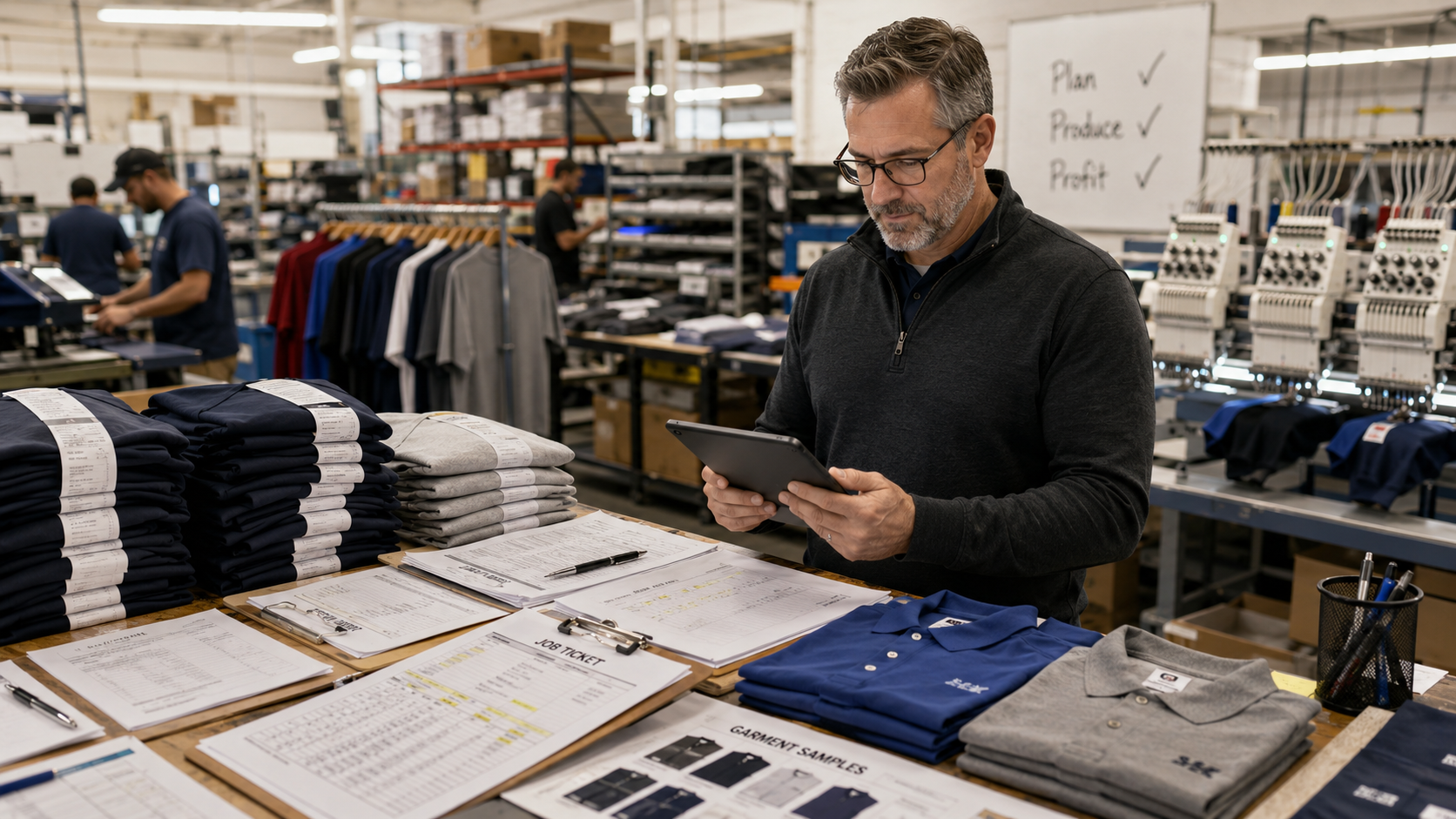
Summer order volume often looks simple from the outside. A customer needs 150 camp shirts, 80 embroidered polos, or 300 event tees. But inside the shop, each order carries a long chain of details.

A single job may include: 

  • garment colors
  • sizes
  • decoration locations
  • artwork revisions
  • ink colors
  • thread colors
  • due dates
  • vendor availability
  • production steps
  • approvals
  • reorders
  • shipping or pickup instructions 

When those details live across emails, spreadsheets, handwritten notes, quote documents, and disconnected production boards, the risk of error increases.

Peak season magnifies those risks because the same workflow has to handle more jobs at once. A process that once felt manageable in slower months can start to break down when the calendar fills with rush orders, repeat jobs, and customer changes.

For shop owners and production managers, the goal isn’t just to “work faster”, it’s to make sure each job moves through the shop with the right details attached to it.

Signs Your Shop Is Hitting Its Breaking Point

Order chaos usually shows up before a deadline is actually missed. The warning signs are often small at first, but they point to bigger workflow issues.

Common signs include:

  • Production questions that require digging through old email threads
  • Size breakdowns entered more than once across different documents
  • Artwork approvals that are unclear or hard to track
  • Job details that change after production has already started
  • Repeat orders that still require manual reconstruction
  • Pricing details that depend on who created the quote
  • Production schedules that don’t reflect the true complexity of each job
  • Rework caused by missing colors, locations, quantities, or customer notes

None of these problems means the shop isn’t capable. They usually mean the shop has outgrown the way it tracks work.

Peak season exposes every weak spot in the order process. If the job ticket is incomplete, production feels it. If the size matrix is hard to read, mistakes become more likely. If artwork approval isn’t connected clearly to the order, the job may stall. If production details are stored separately from the original order, the shop loses valuable context.

Decorated apparel shop software should help protect the shop from those breakdowns by keeping order information structured, visible, and usable.

What causes order chaos in decorated apparel shops during peak season?

  • High order volume without centralized tracking often leads to mixed-up specs, missed deadlines, and duplicated work.
  • Disconnected systems between sales, design proofing, and production increase the risk of costly errors.
  • Size matrix and job-specific tracking tools reduce manual data entry mistakes during high-volume periods.
  • Centralized order management software helps decorated apparel shops scale order volume without sacrificing accuracy.

What Organized Order Management Actually Looks Like

Organized order management doesn’t mean adding more steps. It means giving every job a clear path through the shop.

For a decorated apparel business, that starts with an order entry that reflects how apparel orders actually work. A screen print or embroidery order isn’t the same as a basic product sale. The shop needs to track size runs, garment styles, imprint locations, colors, production notes, pricing variables, and artwork details in a format that is production-ready.

That’s why OnSite’s size matrix matters. Instead of forcing each size onto a separate line item, OnSite allows apparel sizes to stay organized within the order. During peak season, this can help shops reduce manual entry and make production forms easier to read.

Organized order management also means job-specific production details stay with the job. Screen printing variables such as ink colors, mesh counts, images, and other production details need to remain accessible. Embroidery details such as stitch count, backing type, hoop size, and thumbnails can also affect how a job moves forward.

When those details stay connected, the shop has a clearer record of what needs to happen and how similar work was handled in the past.

Keeping Artwork, Proofs, and Production Connected

Artwork approval is one of the most common places where decorated apparel jobs slow down. A job may be ready from a sales standpoint, but production can’t move confidently until the artwork is approved and the final details are clear.

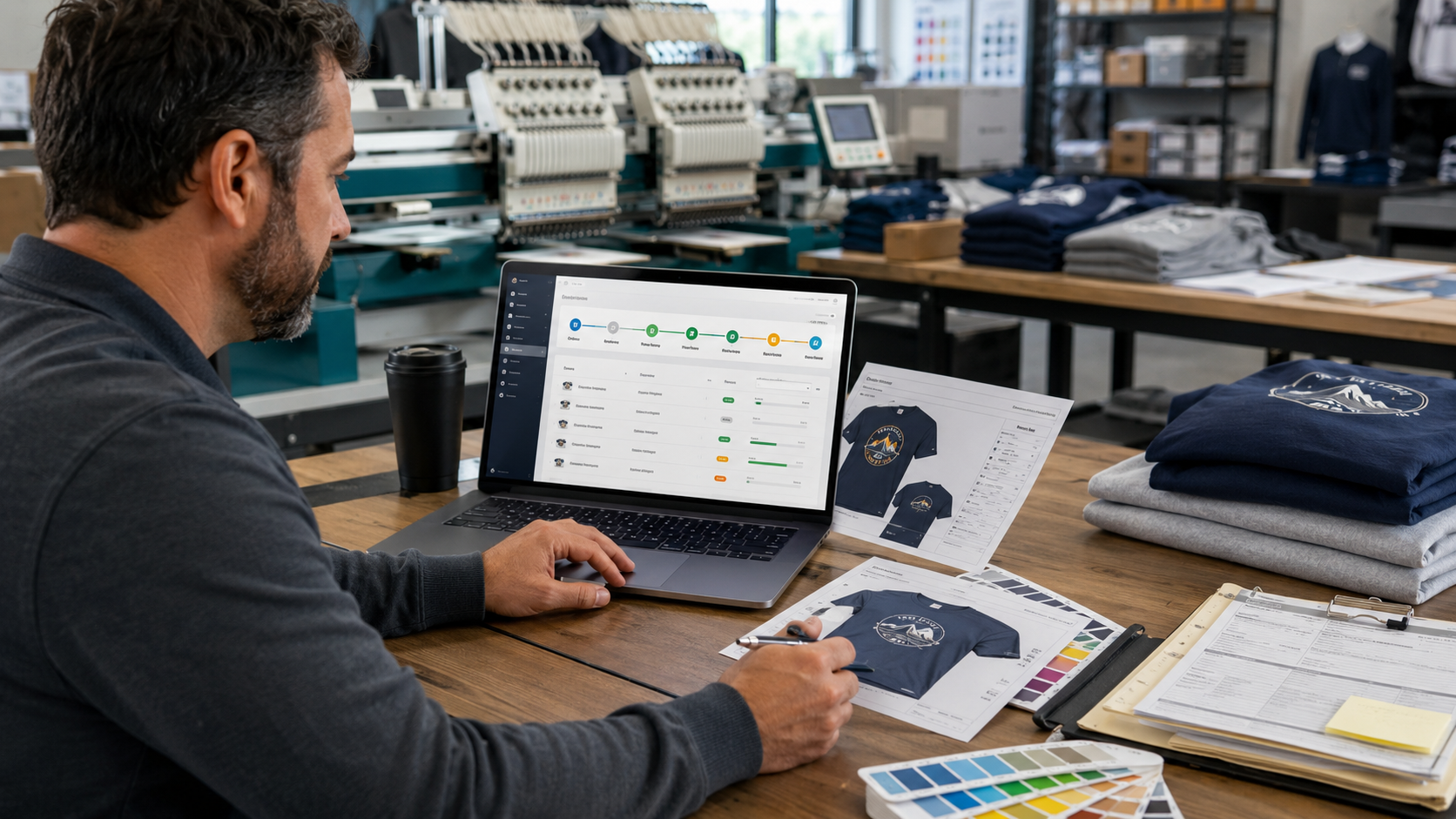
OnSite supports design and artwork management, helping shops store production-related design details such as ink colors, thread colors, screen details, and thumbnail images. When used with the ProofStuff add-on, shops can also send proofs, track approvals, and remind customers to act.

That connection is important during peak season because approval delays can stack up quickly. One delayed camp shirt approval may affect a press schedule. One missing logo revision may hold up an embroidery run. One unclear production note may require extra back-and-forth before the job can move forward.

A more connected proofing and production workflow helps shops answer practical questions faster:

Is the artwork approved?
Which version is final?
What colors are required?
What locations are being decorated?
Can this job move into production now?

Those answers need to be easy to find when the schedule is full.

Making Production Scheduling More Practical

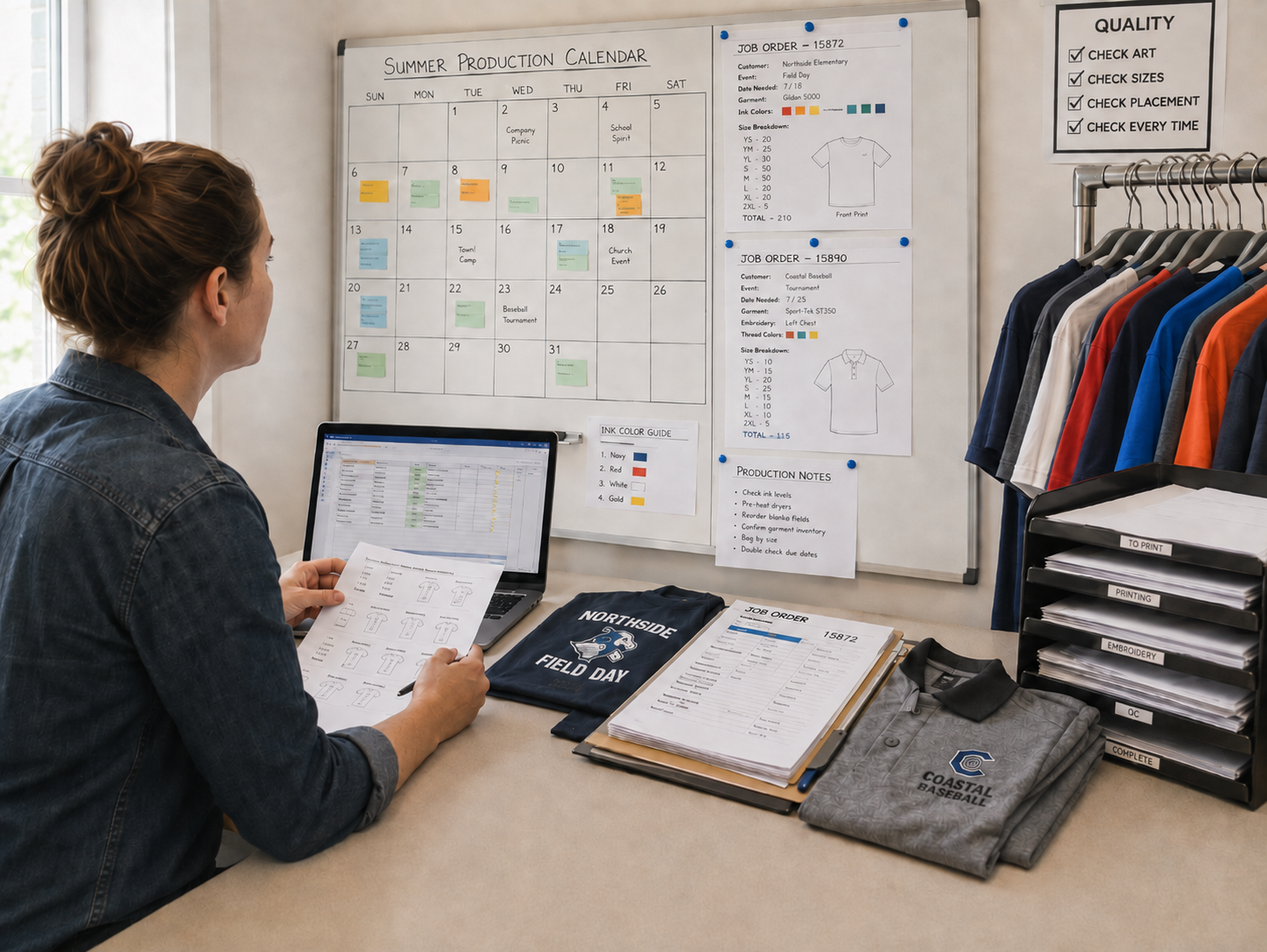
Peak season production schedules can change quickly. Jobs vary by quantity, decoration method, due date, garment availability, and complexity. A rush order for a local tournament may need to move fast. A large reunion order may require multiple sizes and decoration locations. A repeat order may seem simple, but only if the original production details are easy to recall.

OnSite helps shops organize production with tools built for the production floor as well as the front office. Shops can dynamically schedule jobs based on their setup and production types, view and print schedules by department or machine, and store production details for future runs.

That matters because production scheduling is not just about dates—it’s about matching the right work to the right process with the right details in place.

When the schedule reflects the actual order requirements, production managers can make better decisions about what’s ready, what’s waiting, and what needs attention before it reaches the floor.

Reducing Re-Keyed Details During High-Volume Months

Manual re-entry is one of the easiest ways for mistakes to enter the workflow. During slower seasons, a shop may have time to catch those issues. During the summer, small errors can travel further before anyone notices.

OnSite helps reduce redundant entry by keeping order, pricing, design, production, and scheduling details in a more connected system. The goal isn’t to make the shop feel automated for the sake of automation. The goal is to protect accuracy when order volume is high.

For example, size matrix tools help keep apparel quantities easier to manage. Design and production variables help preserve job-specific details. Price calculators help shops quote using consistent formulas based on quantities, margins, colors, flashes, stitch counts, and other variables. Production tracking helps each job move with clearer visibility.

Together, those tools support a more reliable order workflow from intake through production.

Why This Matters for Repeat and Seasonal Work

Many summer orders come back year after year. If every repeat job has to be rebuilt from scratch, the shop loses valuable time. More importantly, it increases the chance that a familiar order gets produced differently than expected.

With organized, decorated apparel shop software, past job details become easier to reference. Production notes, artwork information, pricing structure, and order history can help the shop move repeat work through the process with less guesswork.

That is especially valuable when peak season includes a blend of new customers, repeat customers, rush orders, and multi-part jobs.

Keep Peak Season Moving with OnSite

Summer can be one of the most productive times of year for screen printers and embroiderers, but only when the shop has enough workflow visibility to keep orders moving accurately.

OnSite gives decorated apparel businesses a more organized way to manage order details, size matrices, design and artwork information, pricing variables, production events, and scheduling. For shops that rely on spreadsheets, disconnected systems, or scattered job notes, that structure can help reduce confusion when volume increases.

Peak season doesn’t have to feel like controlled chaos. With the right order management software for screen printers and decorated apparel businesses, shops can stay focused on producing quality work, meeting deadlines, and keeping every job on track.

To learn more about how OnSite can support your shop’s order and production workflow, request more info here.

Why Decorated Apparel Shops Are Losing Time Between Sales, Art, and Production

Decorated apparel shops don’t usually lose time because one person dropped the ball. They lose time because the work moves through too many disconnected handoffs.

A sales rep enters an order. Customer service clarifies garment details. The art team creates or updates a proof. The customer approves, requests changes, or doesn’t respond. Production needs to know what’s approved, what’s in stock, what’s scheduled, and what still needs attention. Meanwhile, the customer wants an update; the due date is approaching, and the team is trying to piece together the full picture from emails, spreadsheets, notes, and separate systems.

That’s where decorated apparel workflow problems really show up.

For screen printers, embroidery shops, digital decorators, promo product suppliers, and branded merchandise businesses, the biggest operational challenge isn’t just “managing orders.” It’s keeping every order moving smoothly from quote to fulfillment, without losing visibility across sales, artwork approvals, production scheduling, inventory coordination, and customer communication.

When that continuity breaks, shops feel it fast: missed deadlines, approval delays, production errors, rework, rush charges, frustrated customers, and stressed-out teams.

Where Apparel Production Bottlenecks Usually Start

Most apparel production bottlenecks don’t start on the press, embroidery machine, or heat press. They start earlier, when order details aren’t clear, approvals aren’t documented, or production doesn’t have the same information sales promised the customer.

Common bottlenecks include:

  • Orders entered before the garment color, size breakdown, decoration method, or imprint location is finalized.
  • Artwork proofs sitting in email threads without clear approval status.
  • Production schedules built before inventory is confirmed.
  • Customer changes communicated to one person but not reflected everywhere else.
  • Sales, art, and production using different tools to track the same job.
  • Customer service answering status questions manually because there’s no shared order visibility.

In a decorated apparel environment, a small information gap can create a major production delay. A missing thread color, an outdated logo file, an incorrect size matrix, or unapproved proof can stop a job from moving forward. Even worse, if the shop doesn’t catch the issue until production starts, the result may be spoiled garments, reprints, missed ship dates, or uncomfortable customer conversations.

This is why apparel production management needs more than a generic order system. Decorated apparel shops need workflow visibility that matches how their work actually moves: sales, art, approvals, purchasing, inventory, production, shipping, and customer updates, all connected to the same order.

Why do decorated apparel shops experience workflow bottlenecks?

Decorated apparel shops experience workflow bottlenecks because order information changes as it moves through the business, yet many shops lack a connected workflow that keeps every team updated in real time.

A customer may approve a quote but still need to approve the artwork. Inventory may be available when the quote is created, but backordered when the job is scheduled. Production may have the due date, but not the final decoration instructions. Sales may know the customer changed the imprint location, but the art team may still be working from the original request.

These aren’t unusual edge cases. They’re part of daily life in decorated apparel and promotional product businesses.

The problem is that many shops rely on disconnected tools to manage those details. Sales may live in one system, artwork in another, production in a spreadsheet, customer updates in email, and inventory in someone’s notes or vendor portal. That setup forces employees to become the “integration” between departments.

That’s risky because people are already busy. They’re quoting, ordering blanks, chasing approvals, answering customer questions, preparing art, scheduling machines, checking stock, and getting jobs out the door. When information must be carried manually from one stage to the next, delays are almost inevitable.

The Decorated Apparel Order Lifecycle: From Quote to Fulfillment

To understand where time gets lost, it helps to look at the full order lifecycle.

1. Quote and order intake

The workflow starts when a prospect or customer requests apparel, decoration, quantities, sizes, colors, locations, and delivery timing. At this stage, accuracy matters. If the quote doesn’t capture the right decoration method, garment details, pricing assumptions, or deadline expectations, the rest of the order starts on shaky ground.

2. Order entry and job setup

Once the order is approved, the shop needs to convert sales details into production-ready instructions. That may include size breakdowns, decoration placements, art files, vendor details, customer notes, due dates, and internal job requirements. This is often where problems begin if sales notes don’t translate cleanly into production tasks.

3. Artwork preparation

The art team needs the correct logo, garment color, imprint size, thread colors, ink colors, placement instructions, and any customer-specific brand requirements. If files are missing or instructions are unclear, the artwork approval workflow slows down before the customer even sees a proof.

4. Proof approval

Proofing is one of the biggest friction points in the decorated apparel workflow. Customers may approve quickly, request revisions, miss an email, or approve one version while someone else references another. Manual approval processes can slow down decorated apparel production timelines, especially when approvals are buried in inboxes rather than tied directly to the order.

5. Purchasing and inventory coordination

Before production can happen, the shop needs the right blanks, sizes, colors, and quantities. If purchasing and inventory aren’t connected to the order workflow, production may discover too late that garments are missing, substituted, or delayed.

6. Production scheduling

Scheduling depends on more than due dates. Shops need to know whether artwork is approved, garments are received, screens or embroidery files are ready, machines are available, and production steps are sequenced correctly. When scheduling happens separately from order and approval status, jobs can appear ready when they’re not.

7. Production and quality control

Once the job hits production, the team needs accurate instructions. Wrong art, outdated notes, missing approvals, or incorrect garment details can create production errors. Quality control is much easier when the production team can see the same approved information that sales, art, and customer service are using.

8. Shipping, fulfillment, and customer communication

The final stage still depends on visibility. Customers want to know when their order is complete, shipped, ready for pickup, or partially fulfilled. Order tracking and proof approval tools can reduce communication errors and missed deadlines by giving teams a clearer source of truth.

Why Generic Print MIS Conversations Miss the Apparel Workflow Problem

Many software conversations in the print industry focus on broad MIS or ERP functionality. That can be useful, but decorated apparel shops have different operational pressure points than commercial print shops.

Apparel decoration workflows are highly variable. A single order may involve multiple garment styles, sizes, decoration methods, imprint locations, proofs, revisions, vendor dependencies, and production steps. A promo product order may involve supplier lead times, artwork templates, customer approvals, and fulfillment requirements that don’t fit neatly into a generic print production model.

That’s why the conversation shouldn’t only be about “business management software.” It should be about workflow continuity.

For apparel decorators, the key question is:

Can every department see what needs to happen next, what’s already approved, what’s holding the order up, and who needs to act?

When the answer is no, the shop becomes dependent on tribal knowledge. The experienced production manager knows which customer always changes proofs. The CSR knows which rush order is waiting on a size swap. The art team knows which logo file is final. But if that knowledge isn’t visible in the workflow, it’s fragile.

How Connected Workflows Reduce Production Delays

Connected workflows reduce production delays by keeping sales, customer service, art, inventory, scheduling, production, and customer communication aligned around the same order.

Instead of each department managing its own version of the truth, a centralized workflow system gives teams shared visibility into order status, proof approvals, production readiness, inventory needs, and customer updates.

For decorated apparel shops, that can improve operations in several practical ways.

First, it reduces approval uncertainty. Clear proof status tracking keeps teams from searching email threads or asking, “Did the customer approve this yet?” A cleaner artwork approval workflow shows art and production teams when a job is ready to move forward.

Second, it improves scheduling accuracy. Disconnected sales, artwork approval, and scheduling systems often cause production delays. When schedulers can confirm garment receipt and artwork approval, they can build a more realistic production calendar.

Third, it helps prevent production errors. When approved artwork, order details, size matrices, production notes, and customer requirements stay connected, production teams are less likely to work from outdated information.

Fourth, it improves customer communication. Customers don’t want vague answers. They want to know where their order stands. Centralized workflow systems improve visibility across customer service, art, and production teams, which makes customer updates faster and more reliable.

Finally, workflow continuity can improve production efficiency and customer satisfaction in apparel businesses. When each step flows into the next without manual re-entry or constant status chasing, teams spend less time searching for information and more time moving jobs forward.

What Better Workflow Visibility Looks Like

Better workflow visibility doesn’t mean adding more dashboards for their own sake. It means giving each role the information they need, when they need it.

Sales should know whether an order has moved into art, proofing, or production.
Art should know which proofs are due, which files are missing, and which revisions are waiting.
Customer service should know whether a job is waiting on approval, inventory, production, or shipping.
Production should know what’s approved, what’s ready, what’s scheduled, and what has changed.
Management should know where jobs are getting stuck and which handoffs need improvement.

That kind of visibility is especially important as shops grow. A small team may be able to manage exceptions verbally for a while. But as order volume increases, informal communication breaks down. The shop needs a connected, decorated-apparel workflow that scales without adding more manual follow-up.

The Real Cost of Disconnected Apparel Workflows

Disconnected workflows don’t just waste time. They create operational drag across the whole business.

Every manual status check interrupts someone. Unclear approvals create risk. A disconnected schedule forces the production manager to make decisions with incomplete information. Each customer update that requires three internal messages slows the team down.

Over time, those small gaps become expensive. They reduce capacity, increase stress, and make it harder to deliver the consistent service customers expect.

For shop owners and production managers, the goal isn’t just to “go digital.” It’s to create a workflow where orders don’t disappear between departments.

That means connecting the full path from sales to approvals to production to fulfillment. It means making the next step visible. It means reducing the number of places employees have to check before they can confidently answer, “What’s happening with this order?”

Bringing Sales, Art, Production, and Customers Into One Workflow

The most efficient decorated apparel shops aren’t necessarily the ones with the most equipment or the biggest teams. They’re often the ones with the clearest workflow.

They know:

  • Which orders are waiting on artwork
  • Which proofs need customer approval.
  • Which jobs are ready to schedule.
  • Which garments are missing.
  • What production needs today, tomorrow, and next week.
  • How to communicate with customers without rebuilding the order story from scratch.

That’s the difference between managing tasks and managing workflow continuity.

For decorated apparel and promotional product businesses, connected workflow management tools can help close the gaps between sales, artwork approvals, production scheduling, inventory coordination, and customer communication.

If your team is losing time chasing approvals, checking order status, correcting preventable production errors, or manually updating customers, it may be time to look at tools designed around how apparel decoration actually flows.